Track your ride
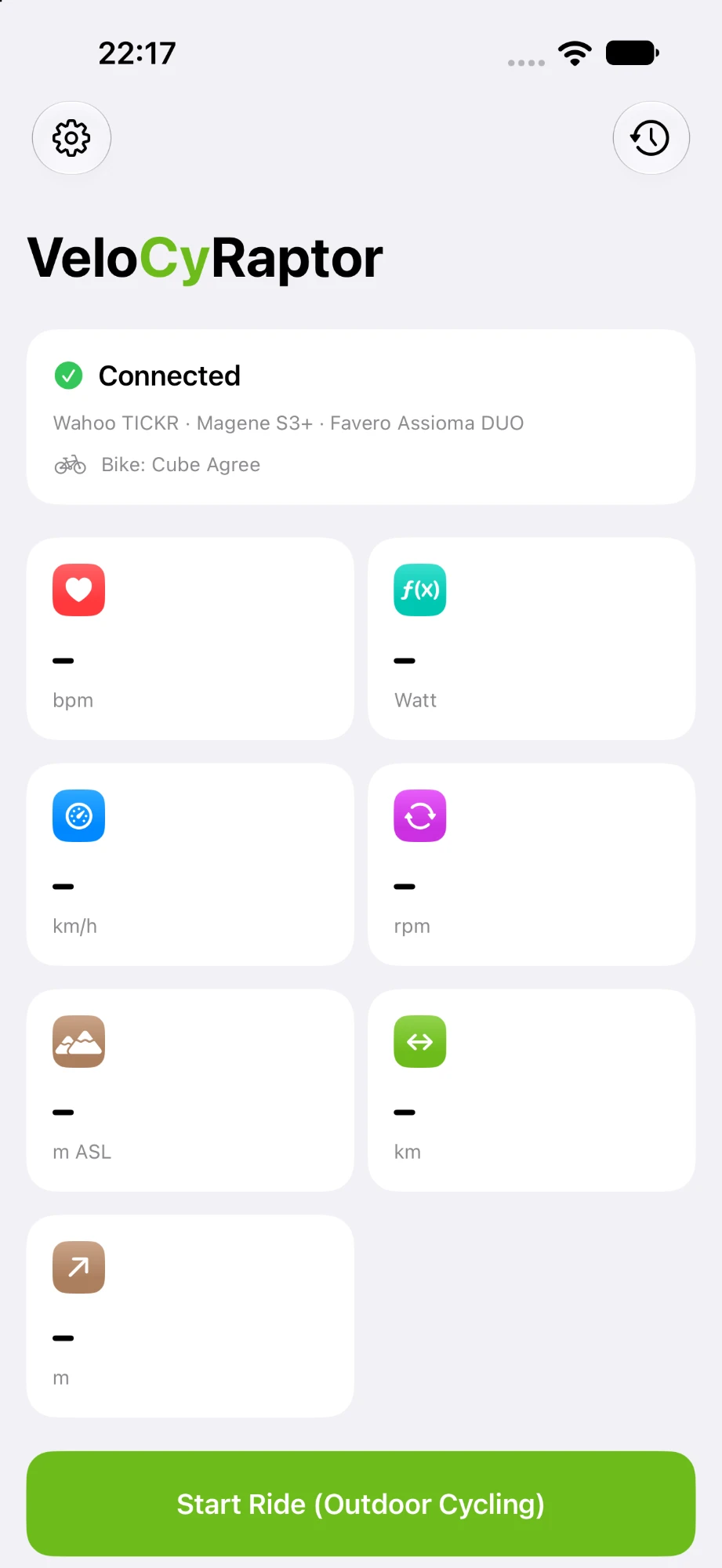
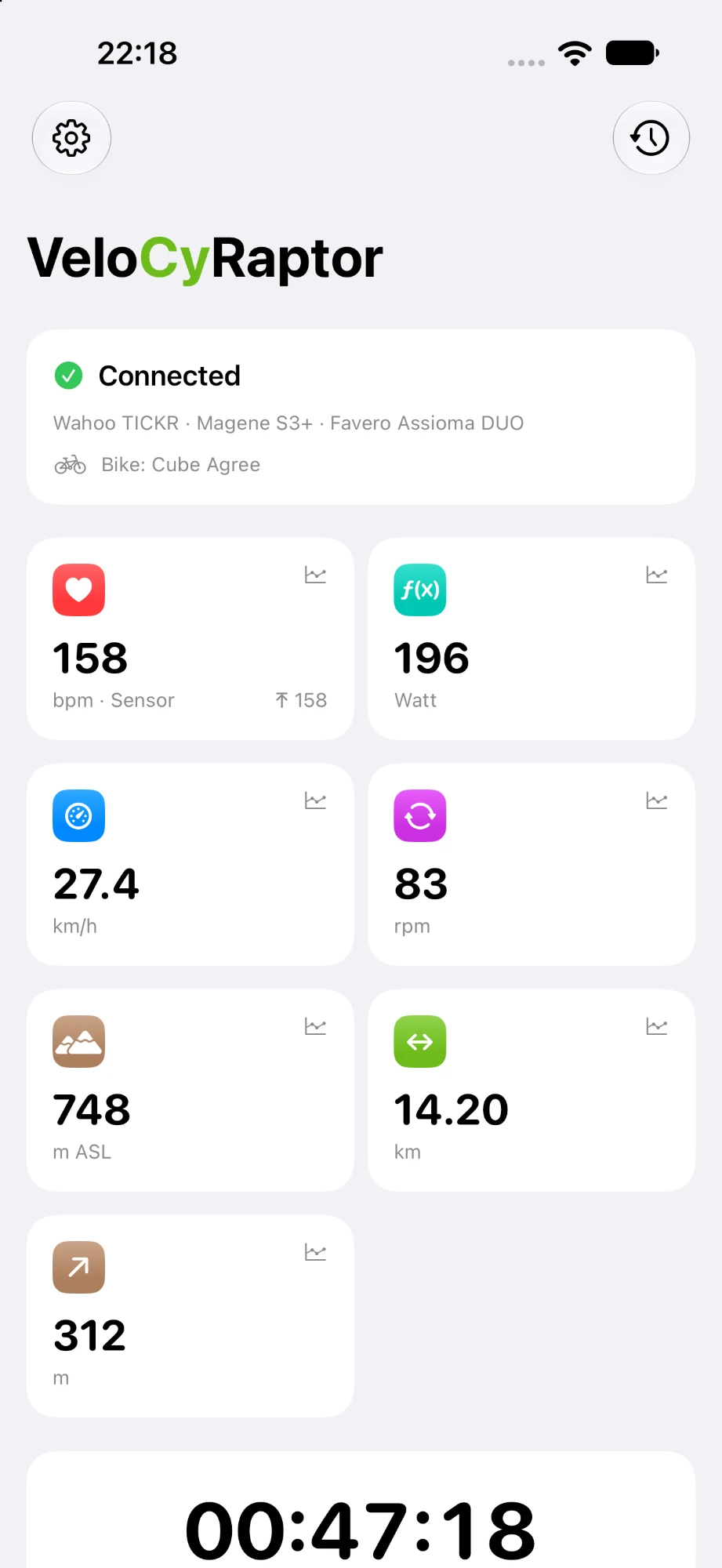
Use your iPhone to record your ride and track:
- GPS route
- Elevation
- Distance
- Speed
Your GPS route and elevation data come directly from your iPhone.
Connect your cycling sensors
Expand your ride data with compatible Bluetooth Low Energy (BLE) sensors.
Track additional data including:
- Speed
- Heart rate
- Cadence
- Power
- Calories
Use your iPhone on its own, or connect the sensors you already use for more detailed cycling data.
Apple Watch companion
Apple Watch works as a convenient companion during your ride.
With Apple Watch you can:
- Start your ride
- Pause your ride
- Stop your ride
- View current ride data
- Track heart rate
Your iPhone remains the primary device for GPS route and elevation tracking, while
Apple Watch puts essential ride controls and information on your wrist.
Auto-pause
Stop at a traffic light or take a break, and VeloCyRaptor pauses your ride by itself, then continues when you ride off.
- Pauses after 5 seconds below 5 km/h (about 3 mph), the same trigger speed a dedicated bike computer uses
- Resumes the instant you move off
- A visible message and a haptic tap on iPhone and Apple Watch each time it pauses and resumes
- Manual pause still works and is never resumed automatically
Prefer to pause yourself? Auto-pause can be switched off in Settings.
On the Lock Screen
While you ride, a Live Activity keeps your numbers on the Lock Screen and in the Dynamic Island, so your iPhone can stay locked.
- Speed in large type, with time, distance, cadence and heart rate beside it
- Shows when the ride is paused or auto-paused
- Keeps the screen on while VeloCyRaptor is open during a ride
- Lets the screen lock again after 60 seconds of pause, below 20% battery unless charging, and in Low Power Mode
A lit screen costs battery. Prefer to ride with your iPhone locked? Switch the screen option off in Settings.
Apple Fitness integration
Keep your cycling activity connected to your Apple ecosystem.
VeloCyRaptor can sync your ride data with Apple Fitness, making your cycling activity
available alongside your other workouts and activity information.
Understand your performance
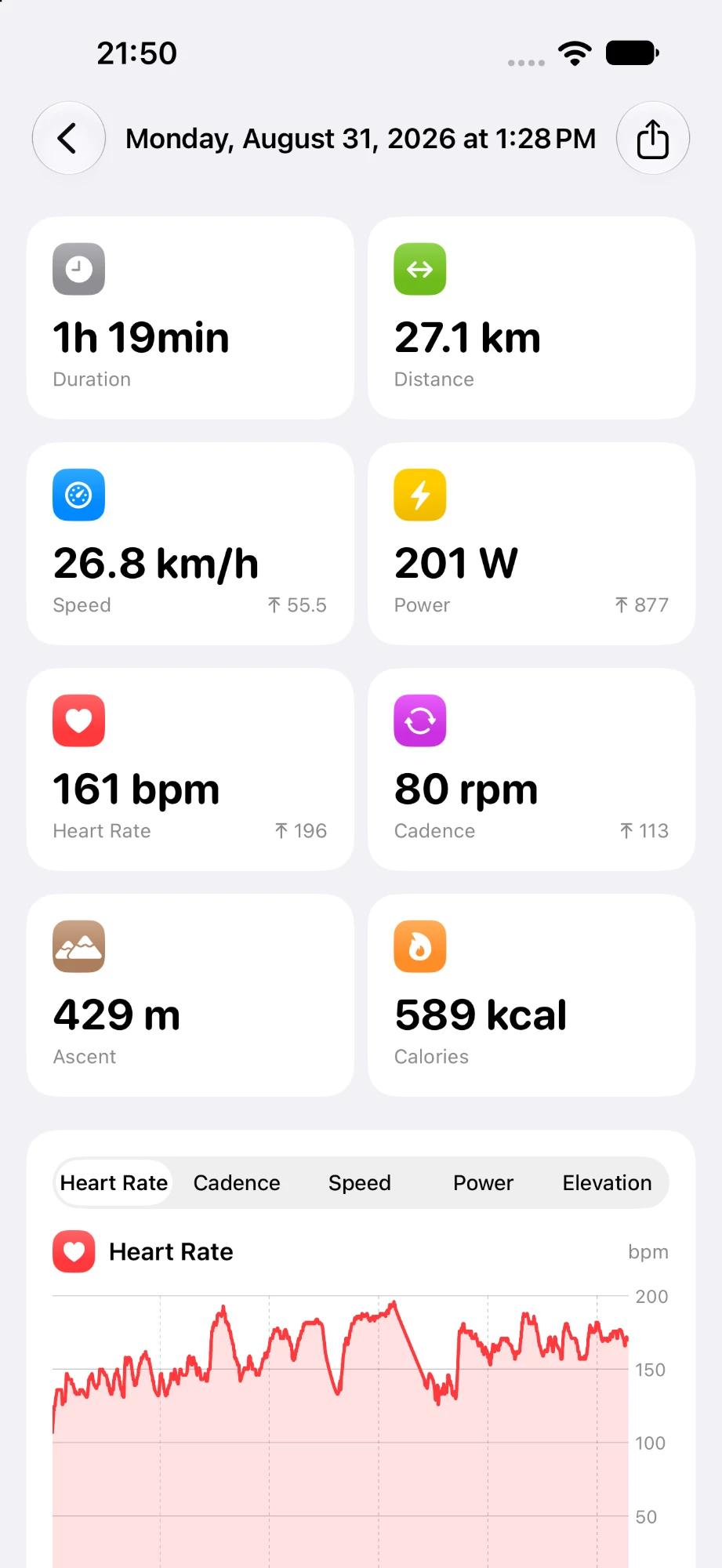
Review your route, distance, speed, elevation, heart rate, cadence, power and other
available data to better understand your ride.
Look back at previous rides, recognise progress, identify patterns and use your data
to make every ride count.
Reports
Reports sum up your riding by week, month and year. You'll find them in the Activities tab, next to your ride history and your bikes.
- Distance, time, elevation gain and number of rides for each period
- The change from the previous period, which the chart shows behind the current one
- Tap a bar to zoom in
- Covers every cycling workout in Apple Health, not just your most recent rides
During a ride the tab bar is hidden, so a mis-tap with gloves on can't take you away from the ride screen.
Records and trends
See your personal bests and how your riding develops over time.
- Records for your longest ride, biggest climb, fastest 10 km and best power over 5 seconds, 1, 5 and 20 minutes
- Fastest 10 km is your best 10 km stretch within a ride, not a ride's average
- Records set in the last 7 days are marked as new
- Trends show speed, power or heart rate for each ride with a 4-week average, over 3 months, 6 months, a year or all time
Power records need a power meter; estimated power never counts.
Bikes and service reminders
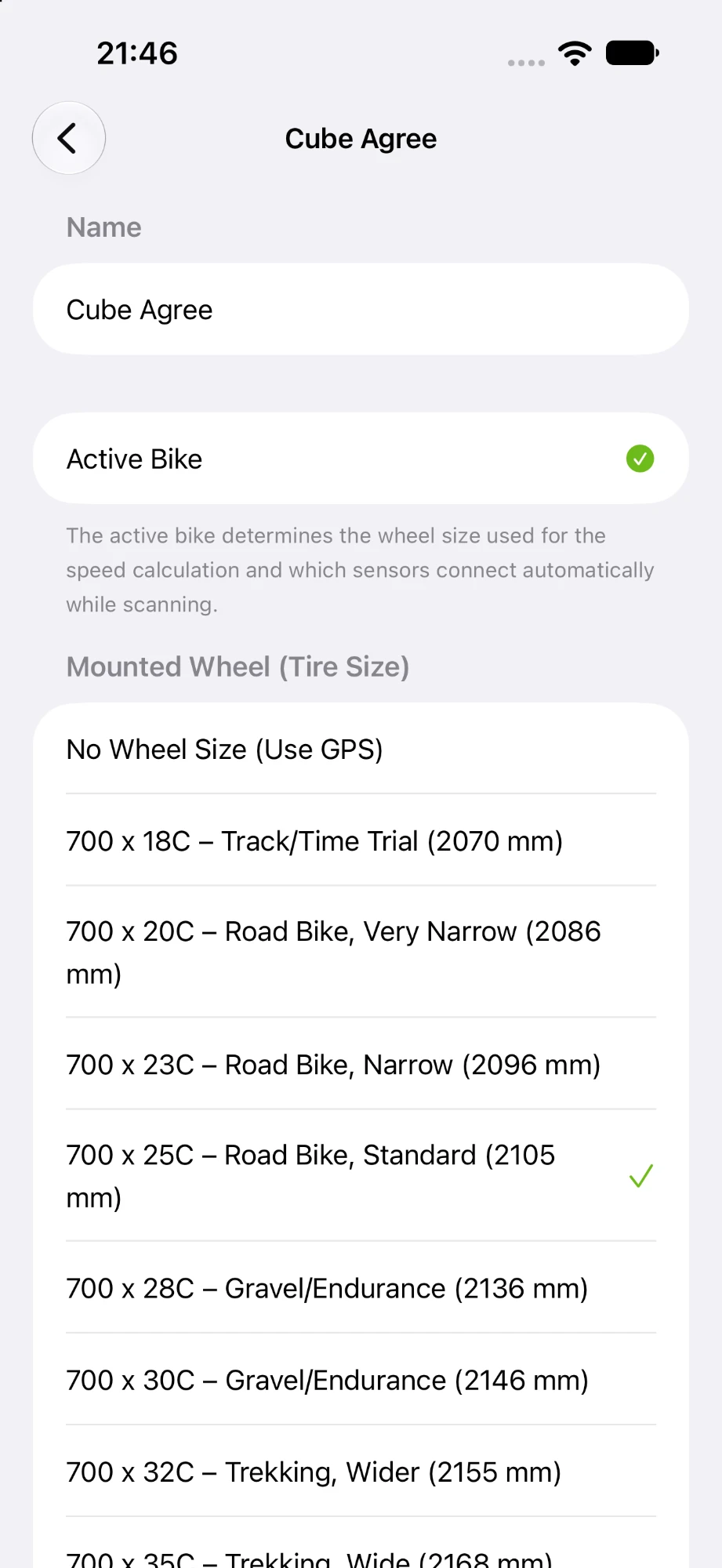
Keep track of how far each bike has gone and when its parts are due.
- Total distance, time and number of rides for each bike
- Service reminders for chain, tires and brake pads, or parts you add yourself, shown amber when nearly due and red when overdue
- A bike type (road, gravel, mountain, e-bike, city or other) suggests typical service intervals and a typical bike weight
- An optional notification when a part becomes overdue, once per service interval
Rides are matched to a bike by its name, so renaming a bike starts a new total. Suggested intervals are guide values, not manufacturer specifications.
Kilometres or miles
Choose how VeloCyRaptor shows distances, speeds and elevations.
- Automatic, the default, follows your iPhone's region
- Or choose Metric (km, km/h, m) or Imperial (mi, mph, ft) in Settings › Units
- Applies on iPhone, on Apple Watch and in the Lock Screen Live Activity
Only the display changes: rides are always recorded, stored in Apple Health and exported as FIT files in metric.
Built for every ride
Whether you're exploring new roads, training for an event, chasing a personal best or
simply enjoying a ride, VeloCyRaptor gives you the tools to track and understand your
cycling.
Your ride. Your data.
Read the privacy policy
or get support.