Bring in every ride
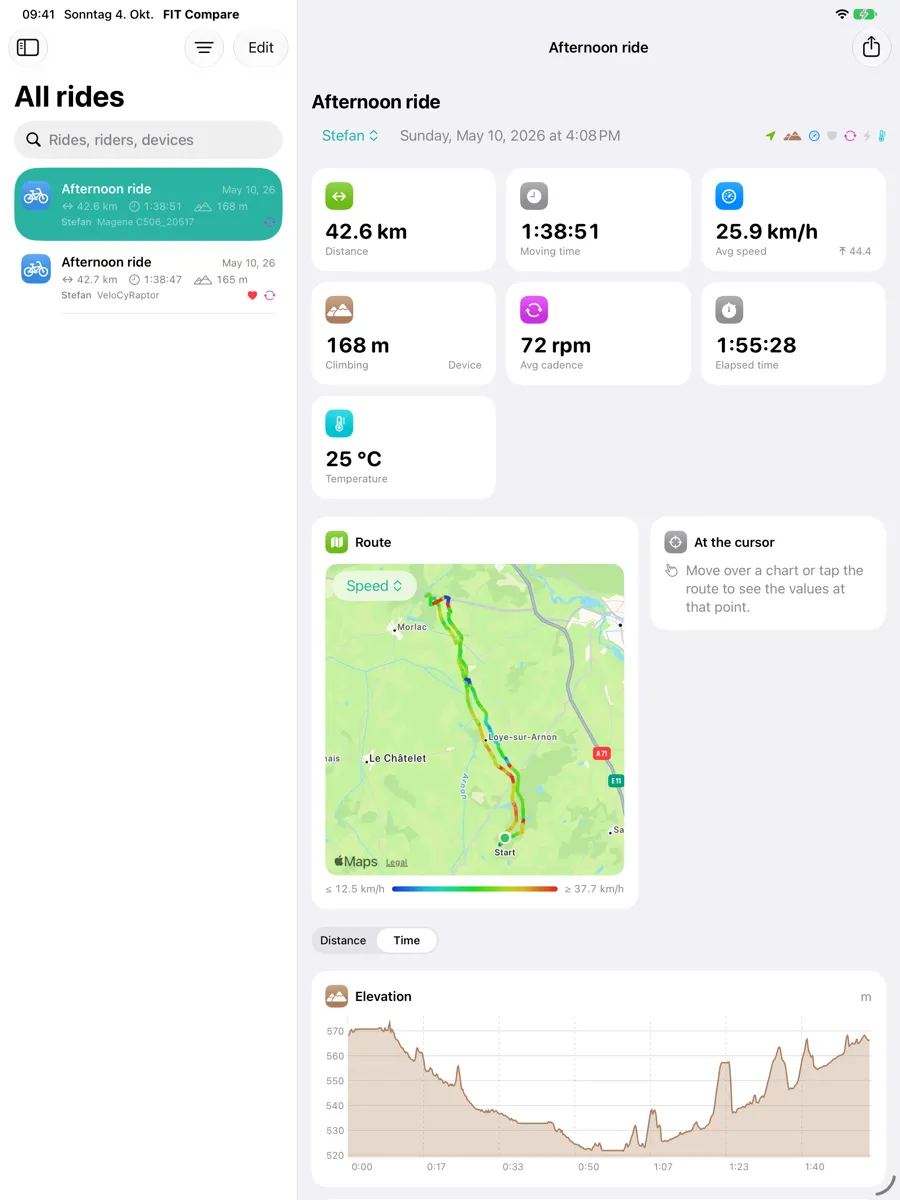
Import rides from wherever they were recorded:
- FIT files from Garmin, Wahoo, Hammerhead, VeloCyRaptor and other bike computers and apps
- Folders, ZIP archives and Strava exports — drop them in and the rides are found for you
- Cycling workouts from Apple Health on iPad, including route, heart rate, power and cadence
- The same ride recorded on two devices is recognised, so it isn’t counted twice
Compare side by side
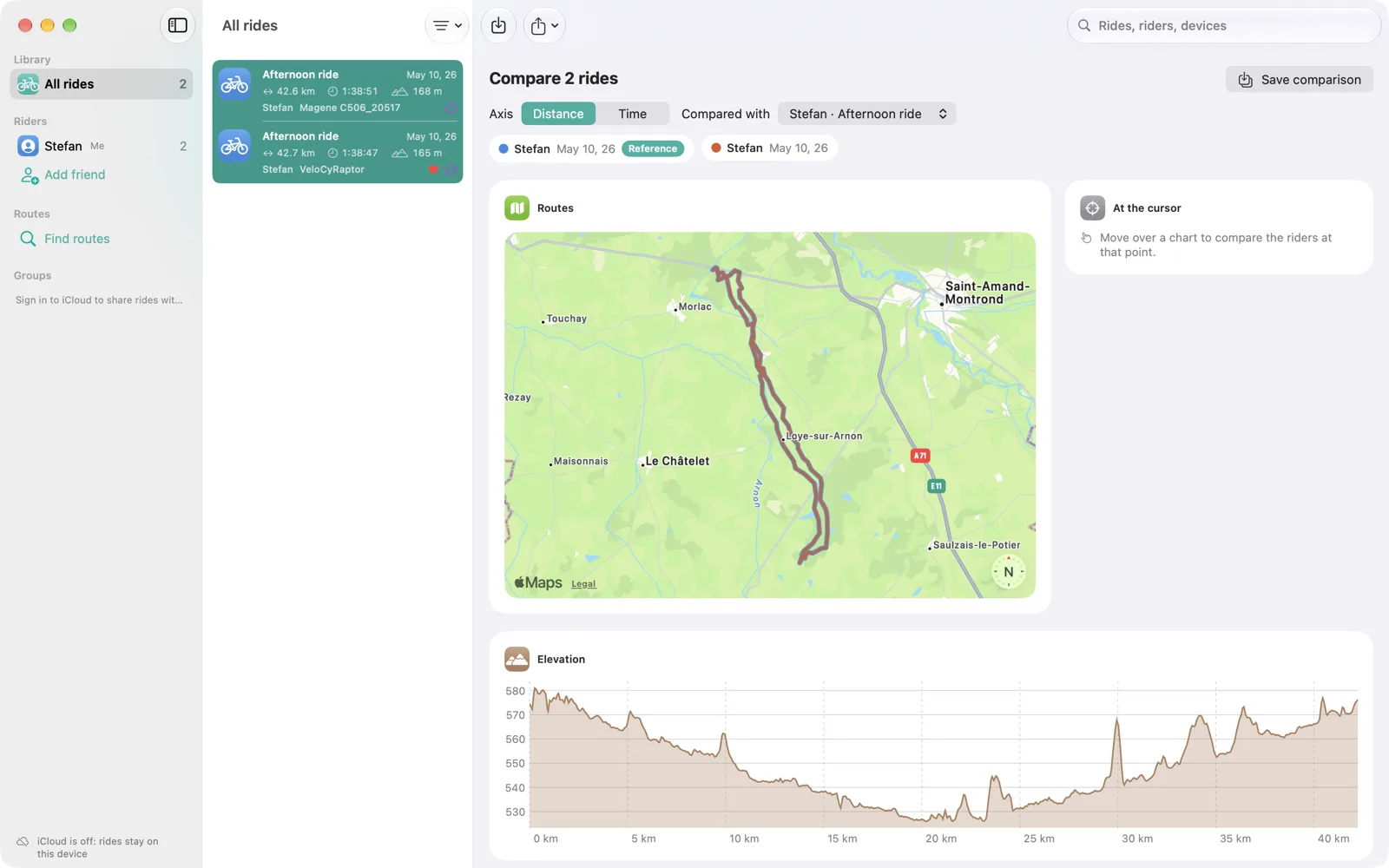
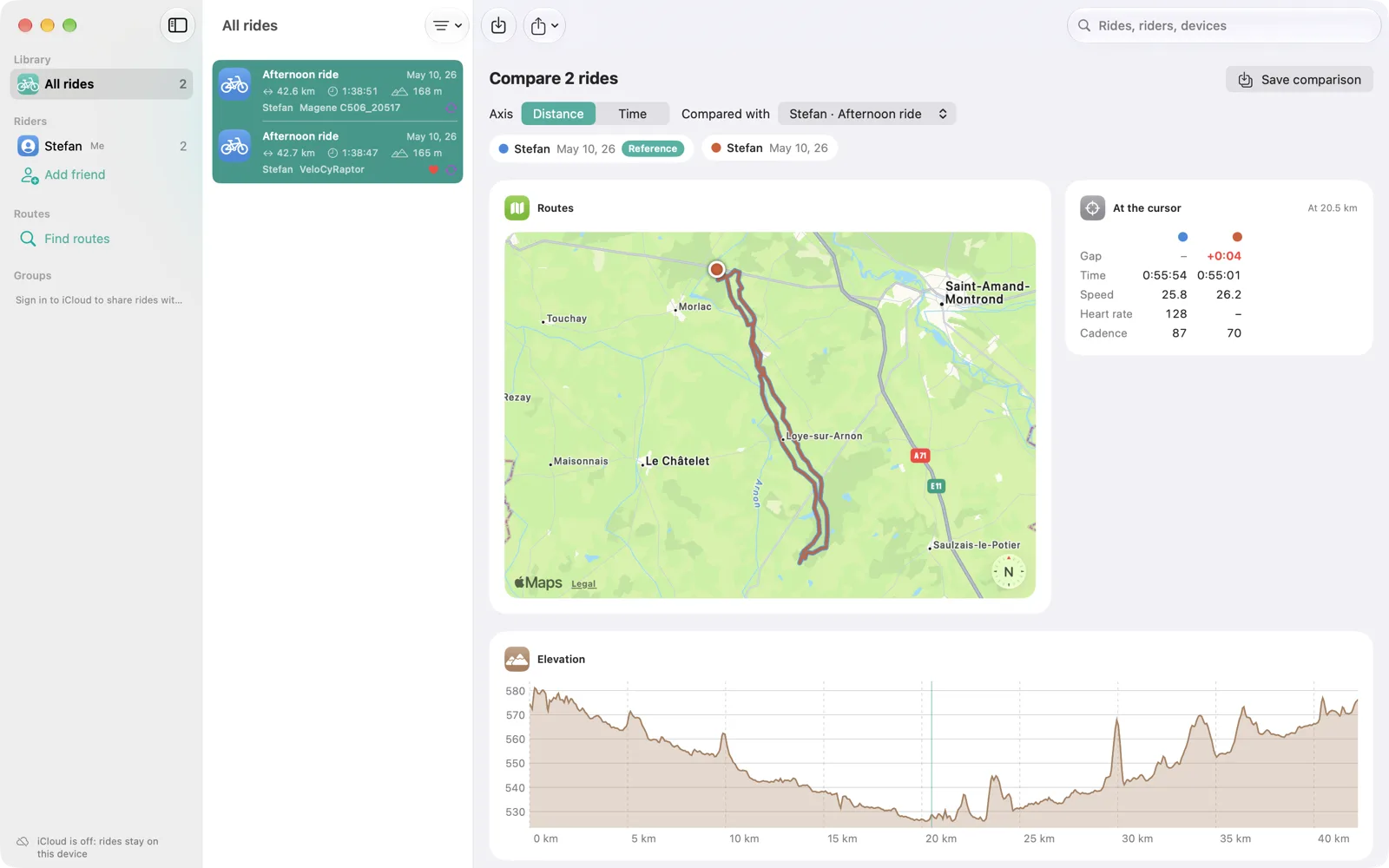
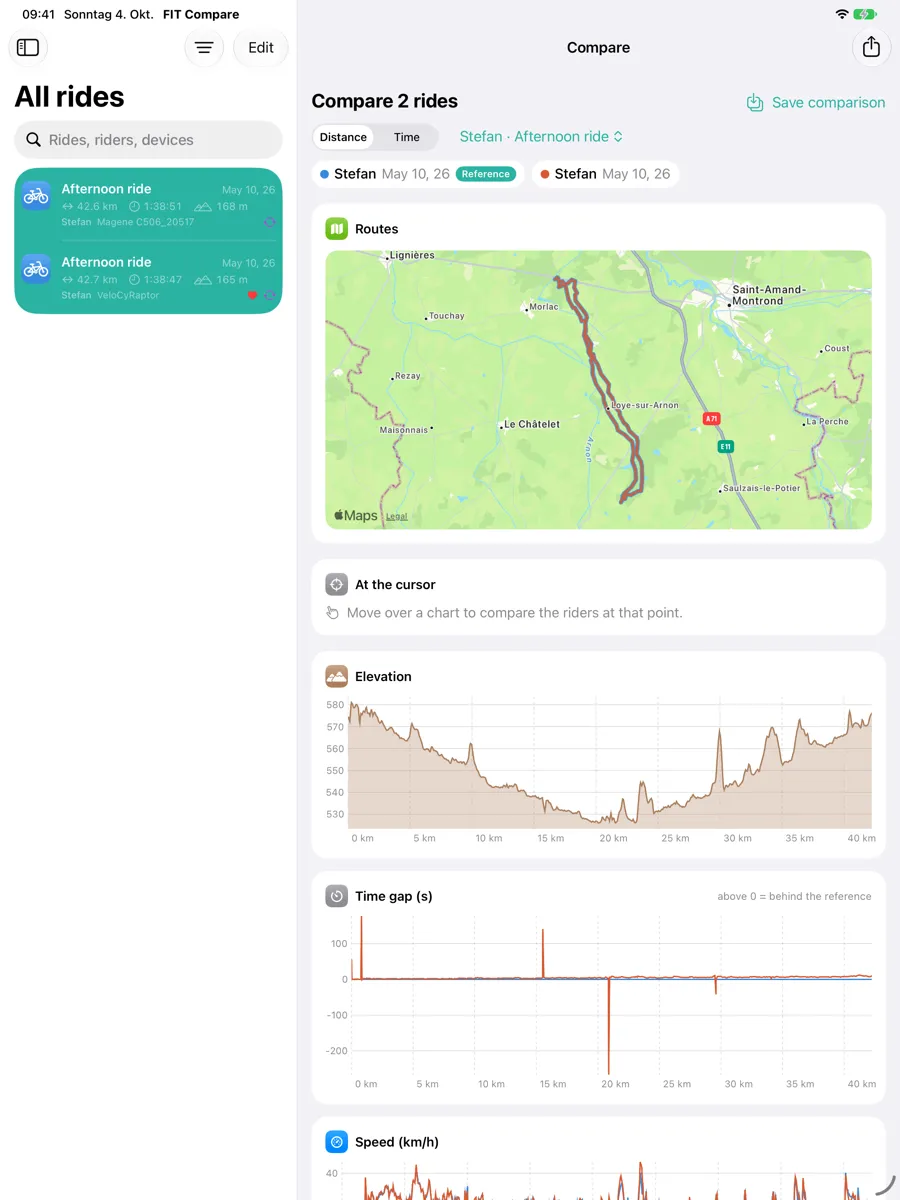
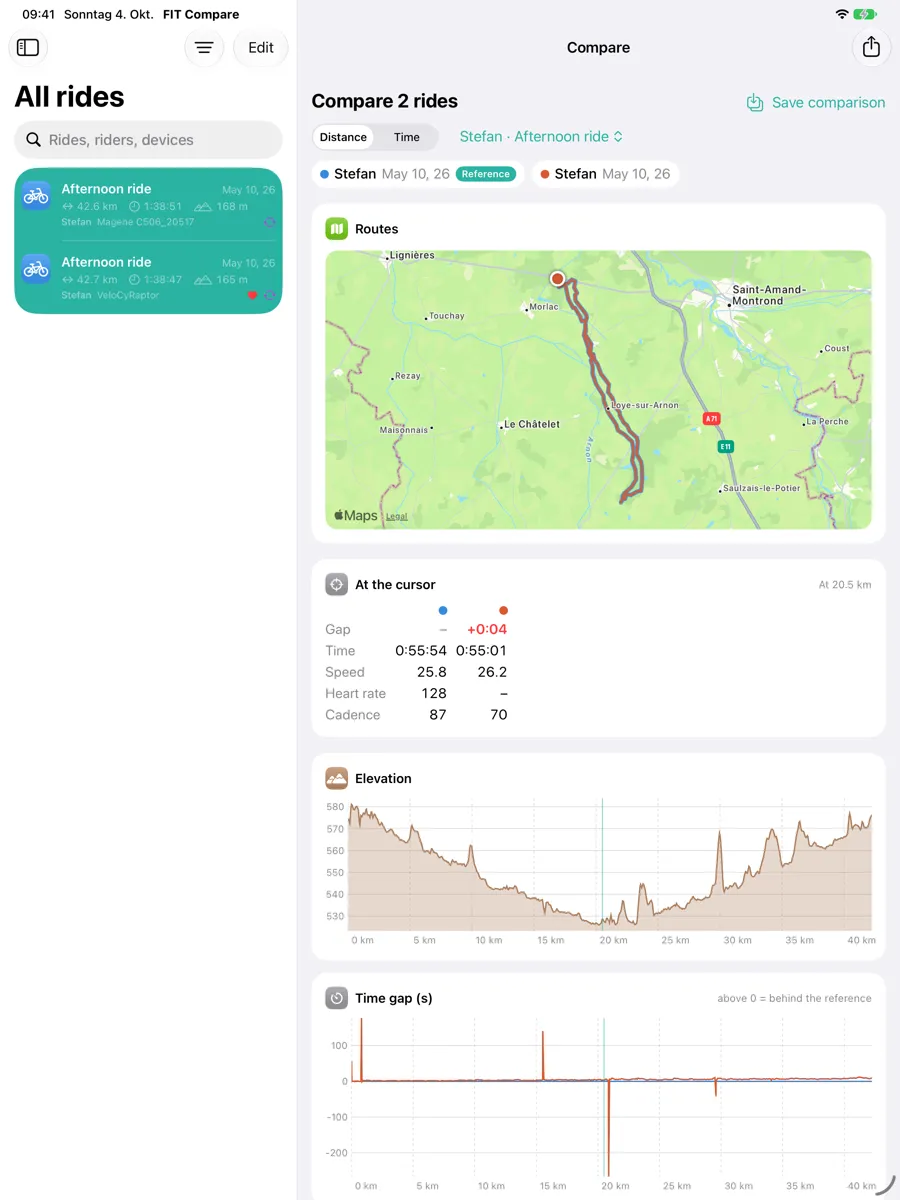
Select two or more rides and line them up by distance. FIT Compare aligns them even when the recorders disagree about the exact route, and shows:
- Speed, heart rate, power, cadence, elevation, gradient and temperature as overlaid charts
- The time gap to a reference rider along the whole route
- Key moments: where someone gained or lost time, and who stopped
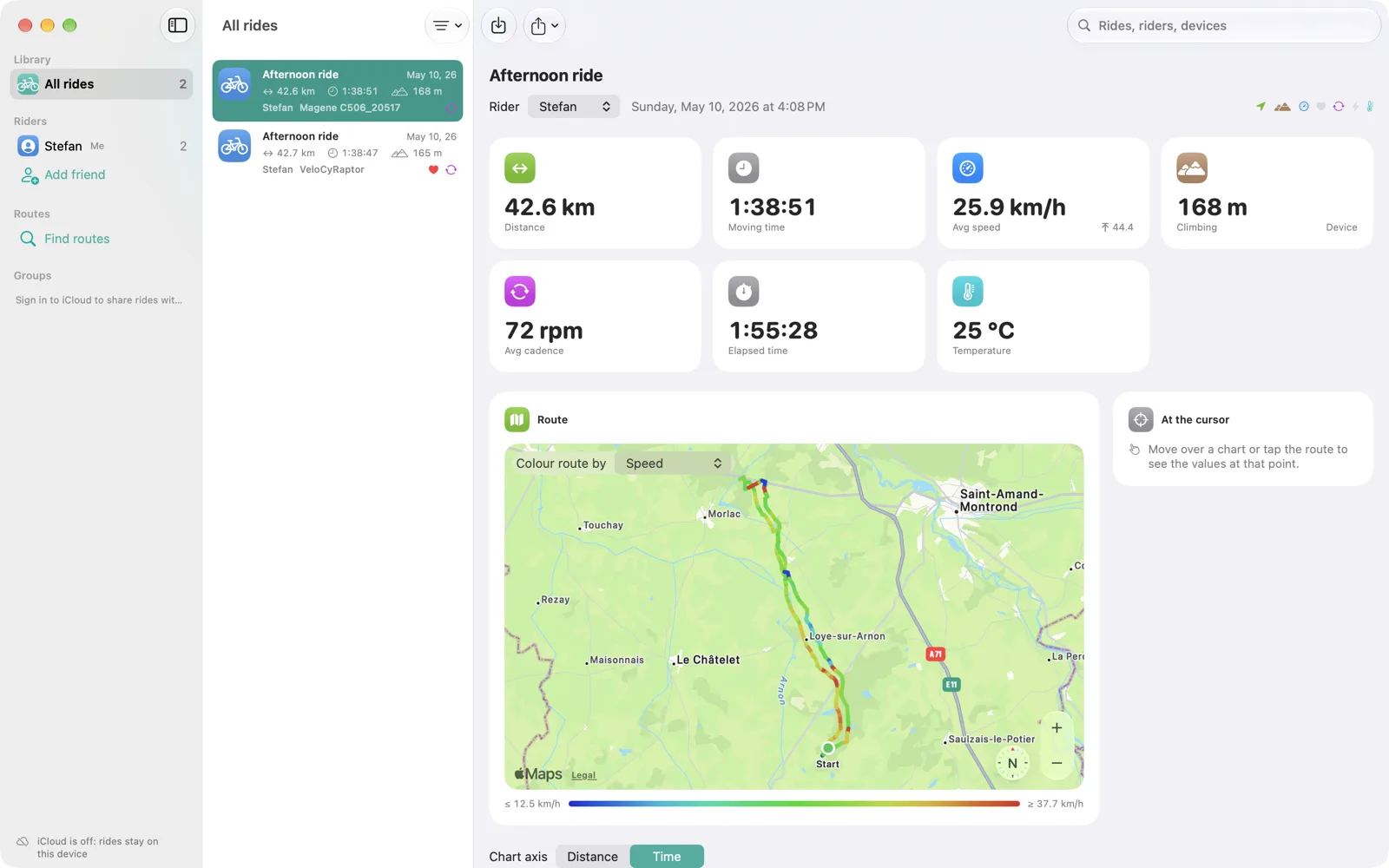
- Laps, 5 km splits and a route map coloured by any measurement
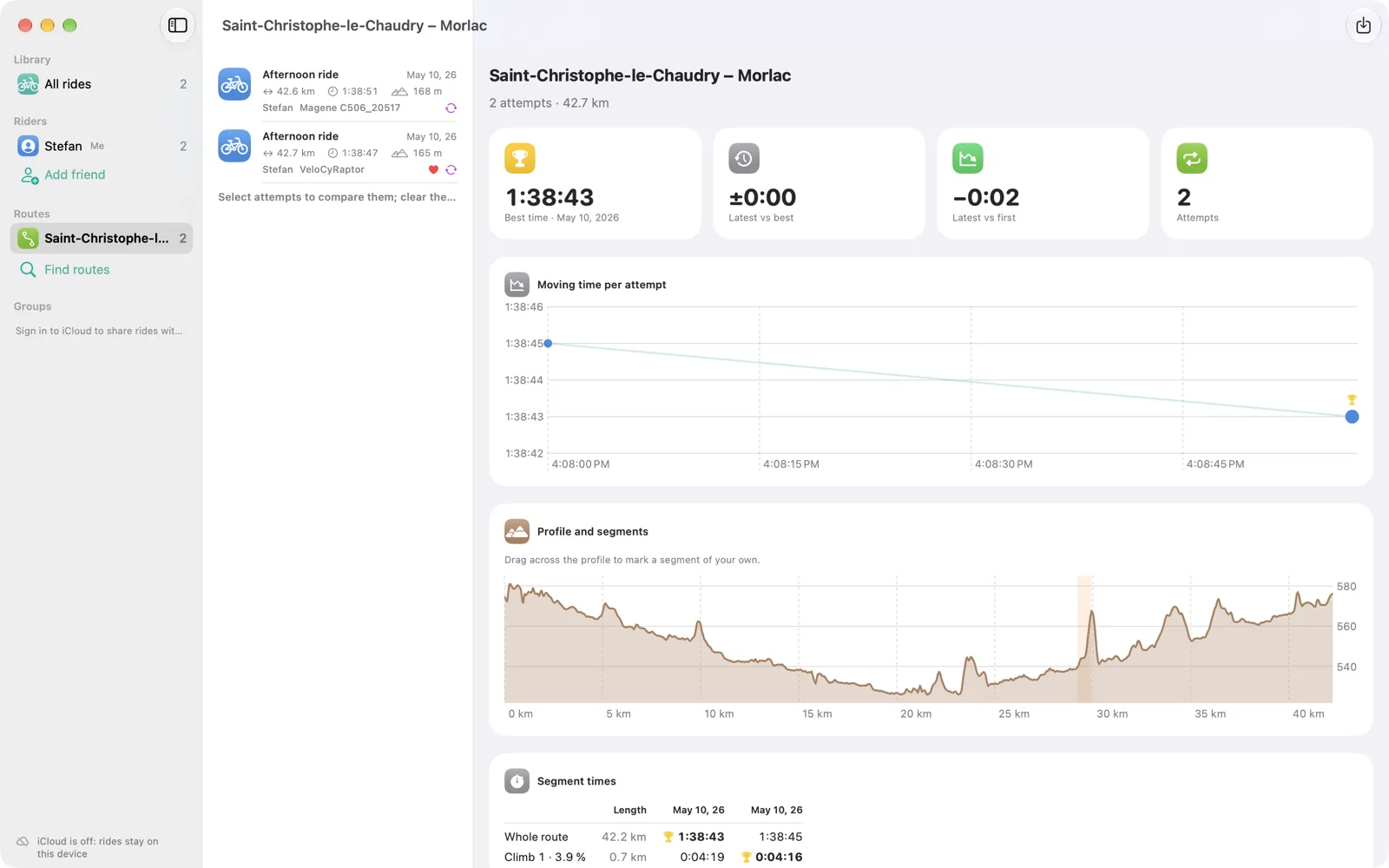
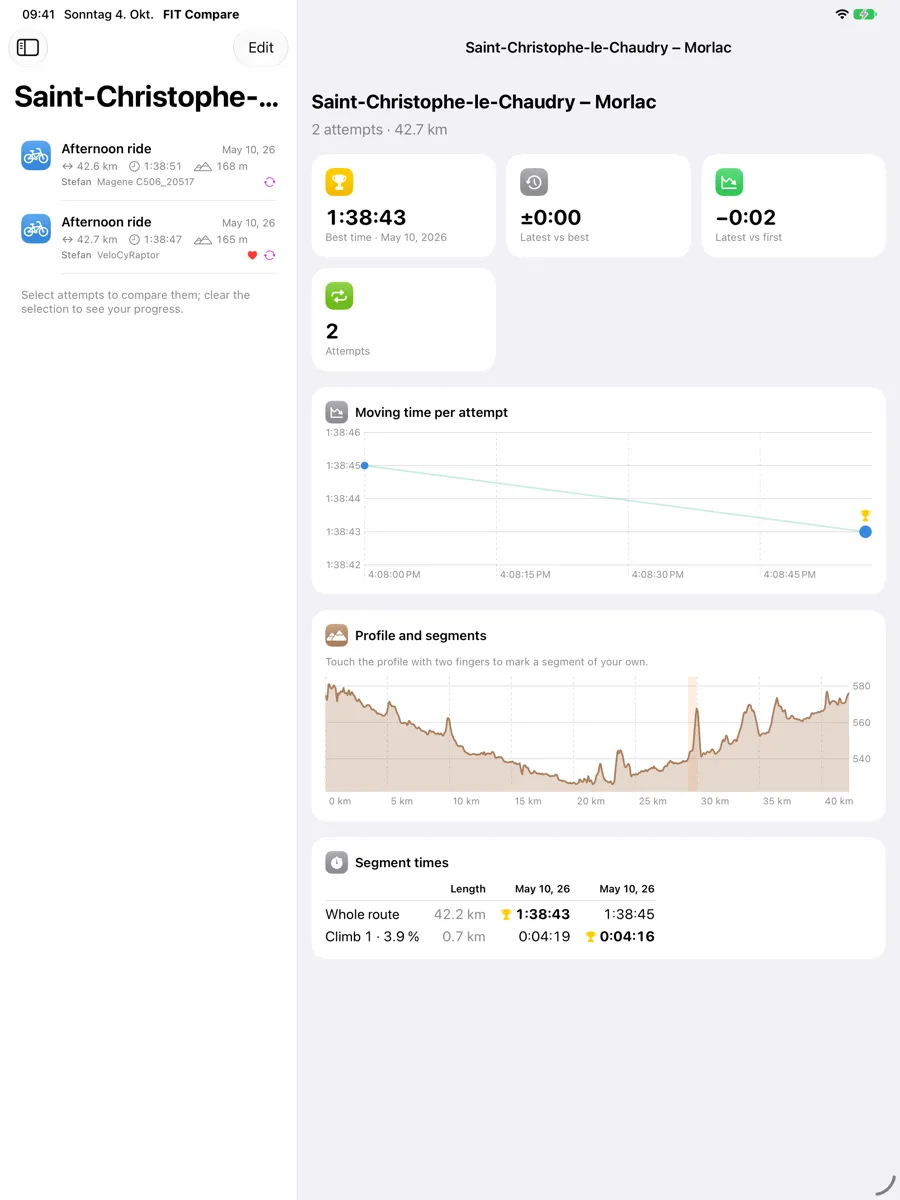
- Your own segments — drag across the elevation profile to time any stretch
Every figure is calculated the same way for every device, so a number from one bike computer is never compared with a differently calculated number from another.
Routes and progress
FIT Compare finds the routes you have ridden on at least two different days and groups the attempts. See your best time, the trend from attempt to attempt, and how the latest ride stacks up against your first or your best.
Ride with friends
Give each rider a name and colour; FIT Compare remembers which bike computer belongs to whom and assigns new files automatically. To compare with friends who live elsewhere, create a group, invite them, and share rides with everyone at once — through iCloud, with no account and no server of mine in between.
On all your devices
A native app for Mac and iPad. Your library syncs between them through your own iCloud, so a ride imported on the iPad is waiting on the Mac. Export a comparison as a PDF report or an image to share it.
Honest numbers
A sensor that did not record is shown as missing, never as zero. Climbing is the device’s own total when it wrote one — a barometer beats any recalculation from GPS — and is marked as computed when it had to be calculated.
Your rides. Side by side.
Read the privacy policy or get support.